

TruView™ X-ray inspection
TruView™ Fusion
Configurable industrial X-ray inspection
Standard Fusion supports samples up to 20 × 20 in and automated batch inspection. Source, detector, magnification and CT options must be specified for the application.
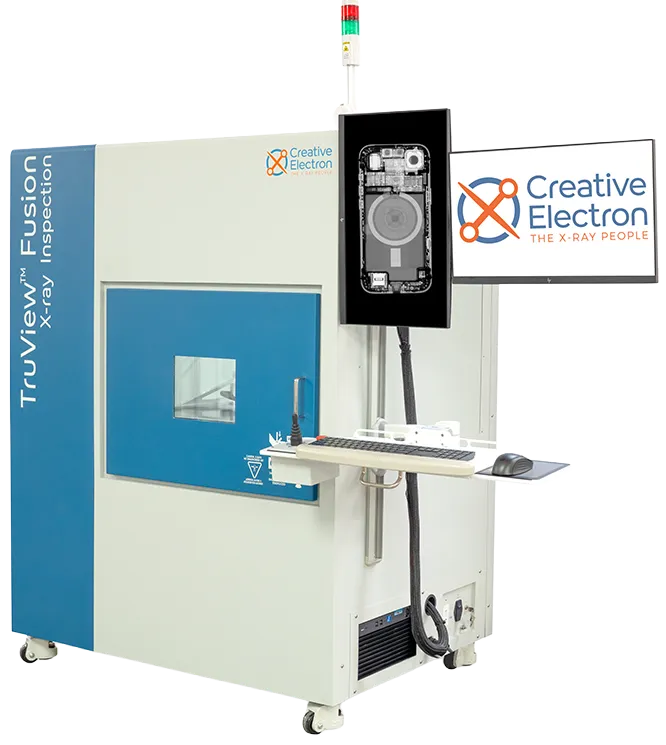
TruView™ Fusion
Key features
- AI-assisted analysis and inspection recipes
- Automated batch inspection
- PDF report generation
Technical information
- Standard Fusion sample size, up to
- 20 × 20 in
- Magnification, published standard Fusion figure
- Beyond 2,000×; configuration dependent
- Standard source options
- 90–150 kV
- Focal spot options
- <5 µm or nanofocus
- Detector options
- Flat panels from 6 × 6 to 17 × 17 in
- Motion
- X, Y, Z, rotation and 70° detector tilt
- Stage options
- 20 × 20 in square or 20 in diameter
- Cabinet (W × D × H)
- 48 × 36 × 65 in
- Electrical supply
- 110–220 VAC, <10 A
Capabilities and options depend on configuration and process conditions. Confirm your requirements with an applications engineer.
Applications
- Inspect a batch of assemblies with a common recipe and share findings in a PDF report.
- Use angled views or a configured CT workflow to localize features inside a complex part.
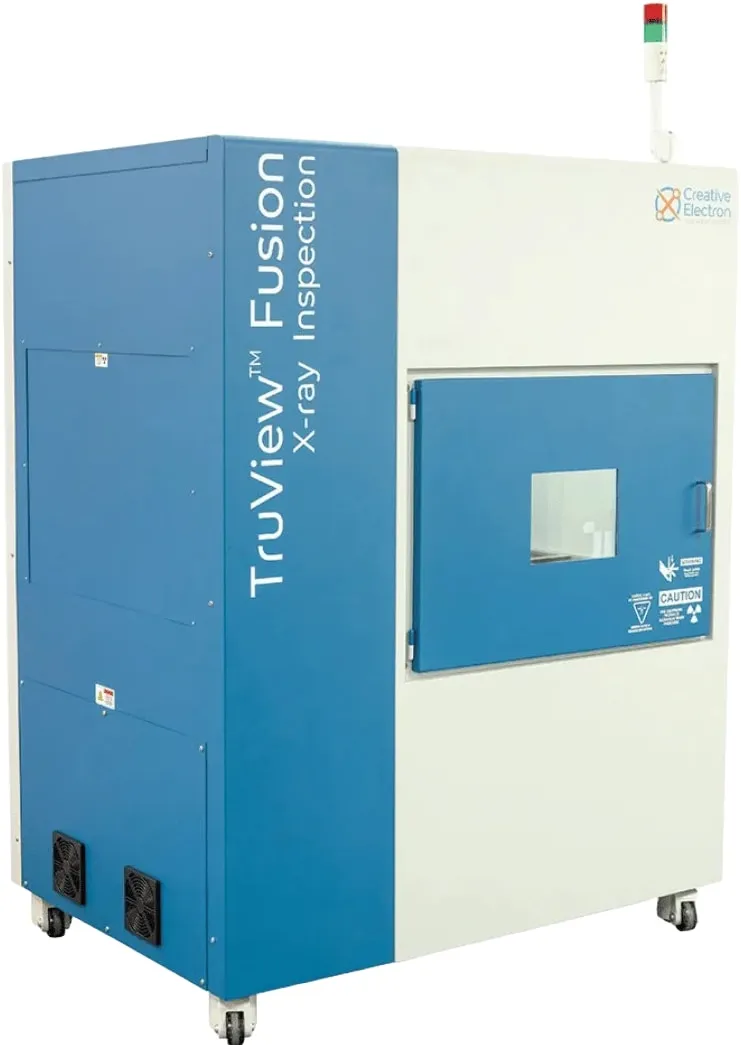
Other models in this family
Common questions
How large a sample does standard Fusion accept?
The standard model accepts samples up to 20 × 20 inches. For larger assemblies, the manufacturer lists a fully scannable 30 × 40 inch stage on Fusion XL.
How do we choose the source and imaging geometry?
Start with the densest section of the part and the smallest feature to resolve. The standard brochure lists microfocus and nanofocus options. Fusion H uses horizontal geometry for heavy or irregular parts.
Explore further
Documentation & references
Use the references for each solution to explore further. Talk to our sales team about the configuration, accessories and requirements for your application.
Images illustrate products or families; they do not establish the revision or accessories of quoted equipment.
Share product information
The right information. Ready to share.
Send this information to your team, or download a QR card with SMarTsol and brand logos for presentations and printed materials.
Let’s discuss your application
Share your requirements to evaluate the right configuration.